Rail Map Painter 5.4 is here! This update brings fill nodes, rotate & flip, a line style panel, automatic transfer info fill, three new city styles, and mobile experience improvements.
🎨 Fill Nodes
Draw colored areas on your map to represent parks, water bodies, and other geographic features. Customize color, opacity, and choose from built-in tree and water patterns. Drag corner nodes to freely adjust the shape.
🔄 Rotate & Flip
Select multiple elements, then rotate or flip all selected parts at once — no need to reposition them one by one.
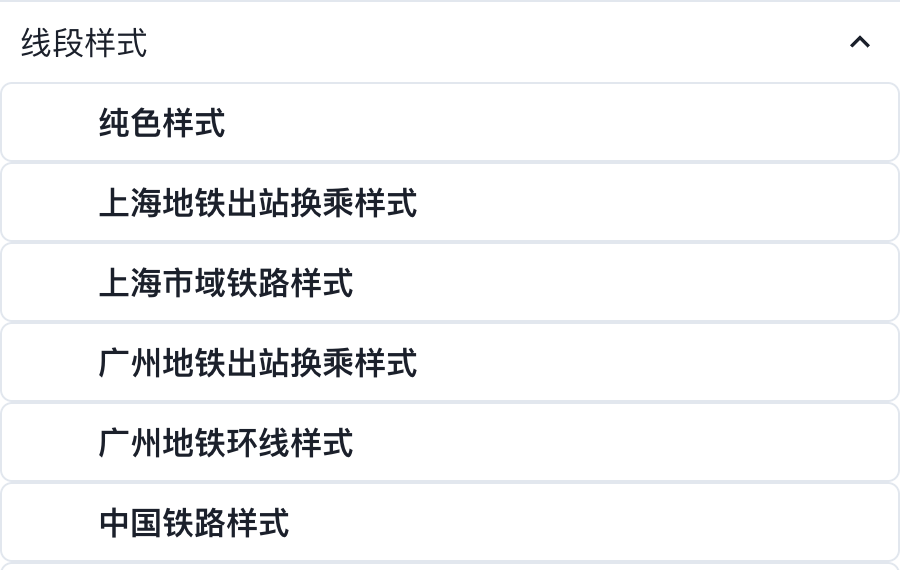
🎛️ Line Style Selection Panel
Line styles can now be selected before drawing a segment. Don’t forget to confirm in the left panel before linking segments!
🔗 Automatic Transfer Info Fill
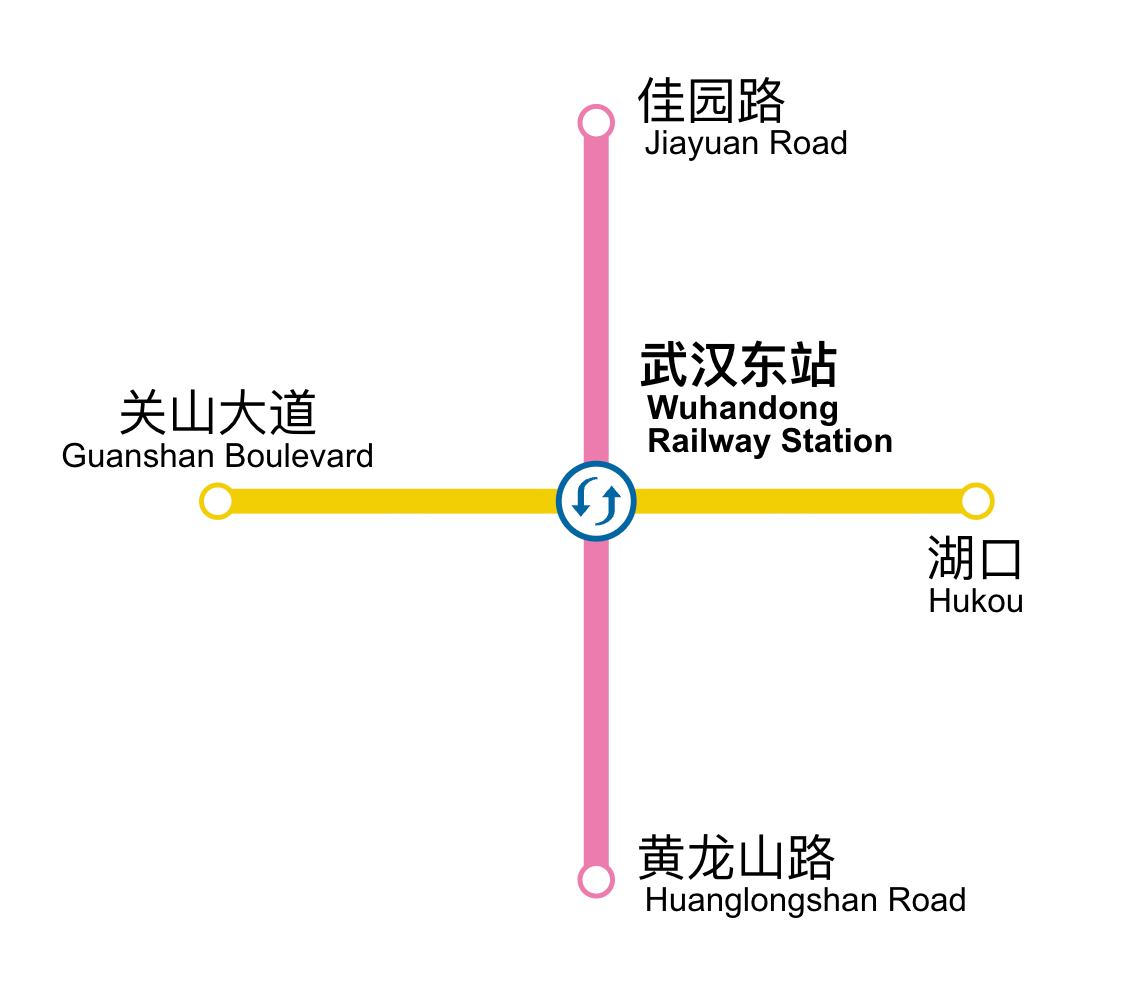
When multiple lines converge at the same station, the system automatically switches the station type to a transfer station and fills in the line colors.
🏙️ New City Metro Styles
Wuhan Rail Transit
Thanks to @BridgeRiver for providing the resources.
Changsha Metro
Thanks to @Minwtraft for providing the resources.
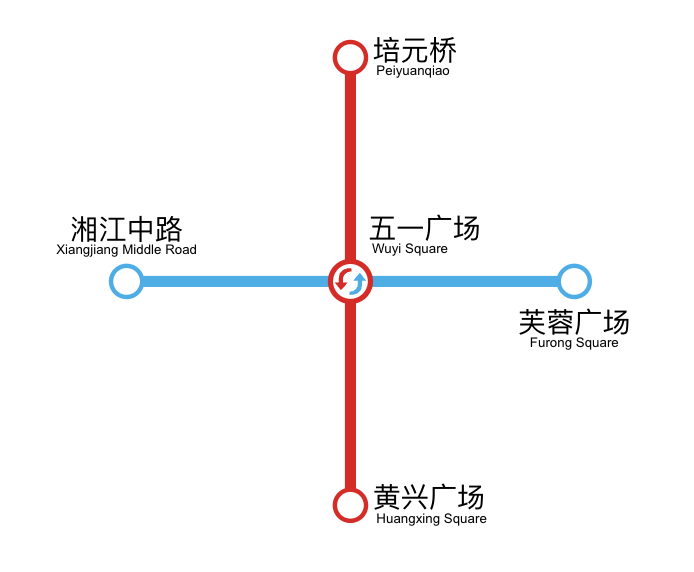
Hangzhou Metro
Thanks to @Hutk2023 for providing the resources.
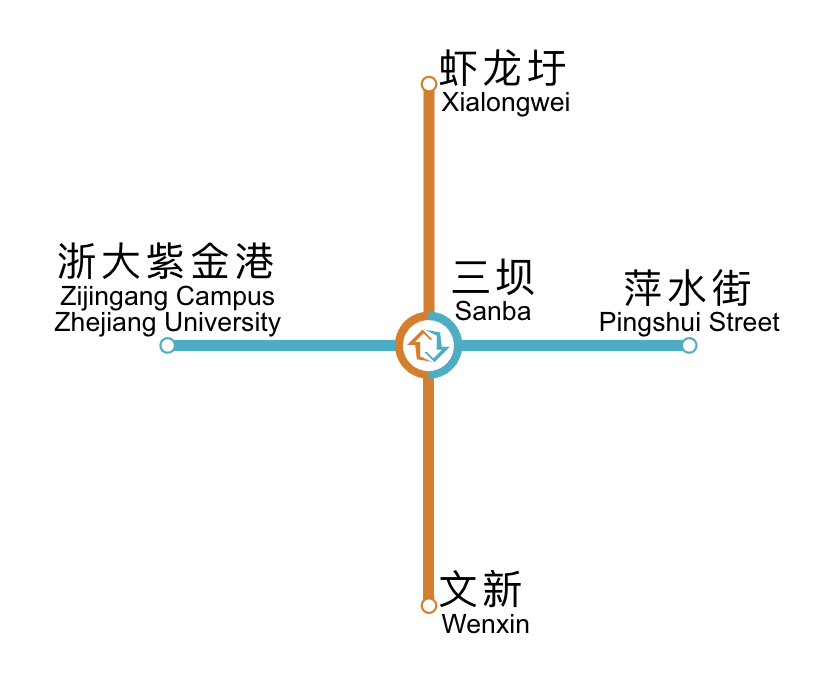
📱 Mobile Experience Improvements
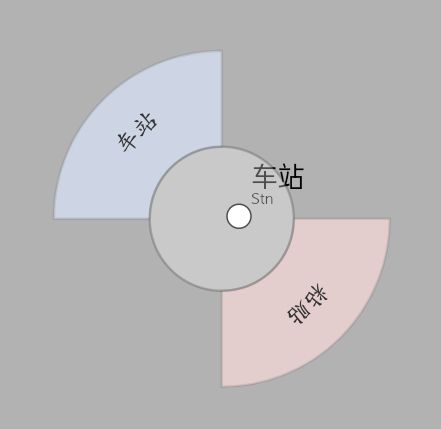
Radial Touch Menu
A fan-shaped popup menu centered on the station node, designed specifically for touch interaction.
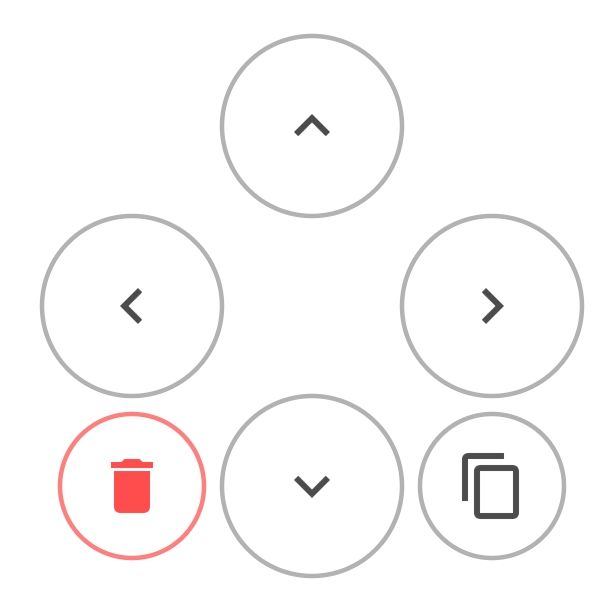
Virtual Joystick Input
Directional keys + delete/copy buttons for precise node movement control.
💙 Acknowledgements
Special thanks to @Win-Tsk for creating this update demo.